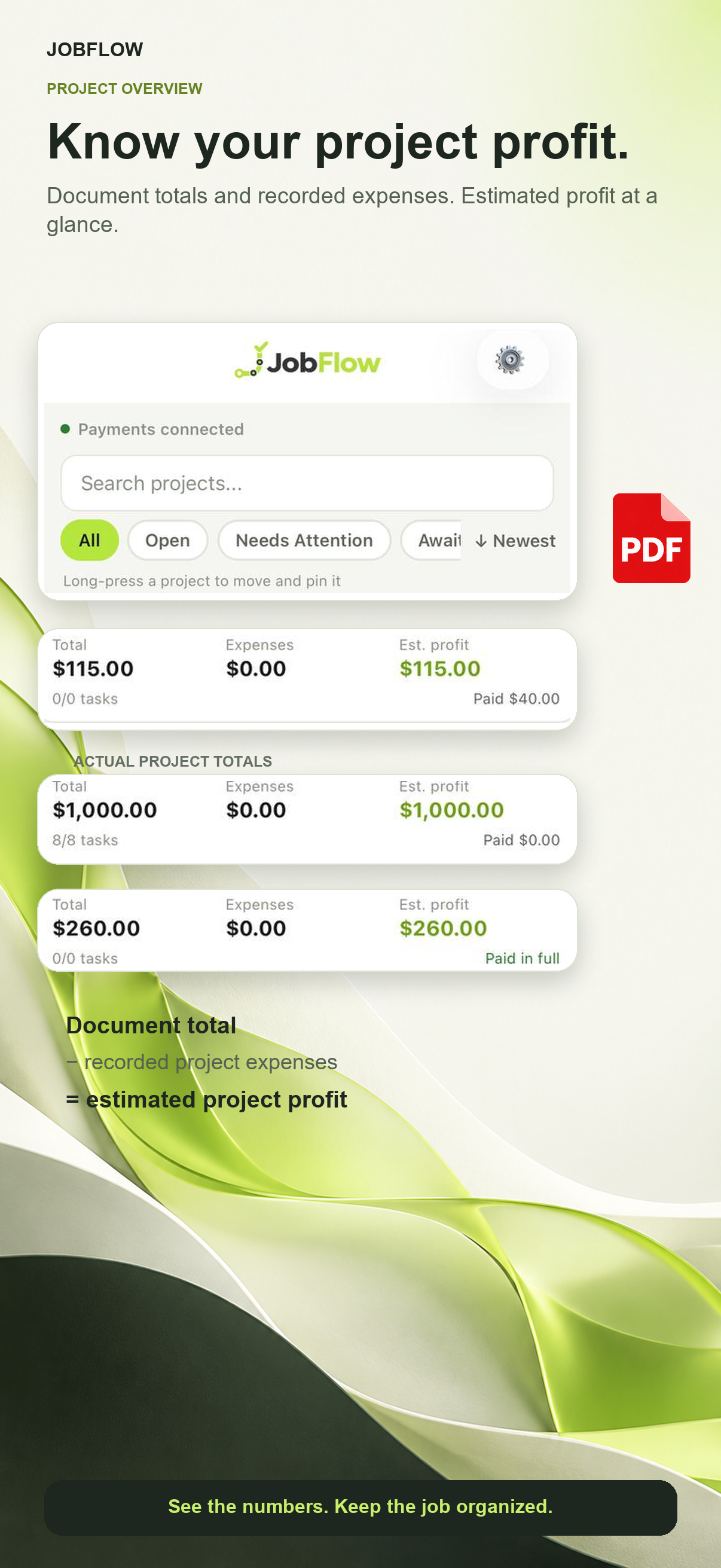
See the job total and costs
Keep document totals, recorded expenses and estimated profit together. Estimated profit is not a bank balance.
FOR INDEPENDENT CONTRACTORS AND SERVICE PROFESSIONALS
JobFlow brings project details, estimates and invoices together on iPhone.
Get JobFlow on the App StoreRead the receipt guideKeep document totals, recorded expenses and estimated profit together. Estimated profit is not a bank balance.
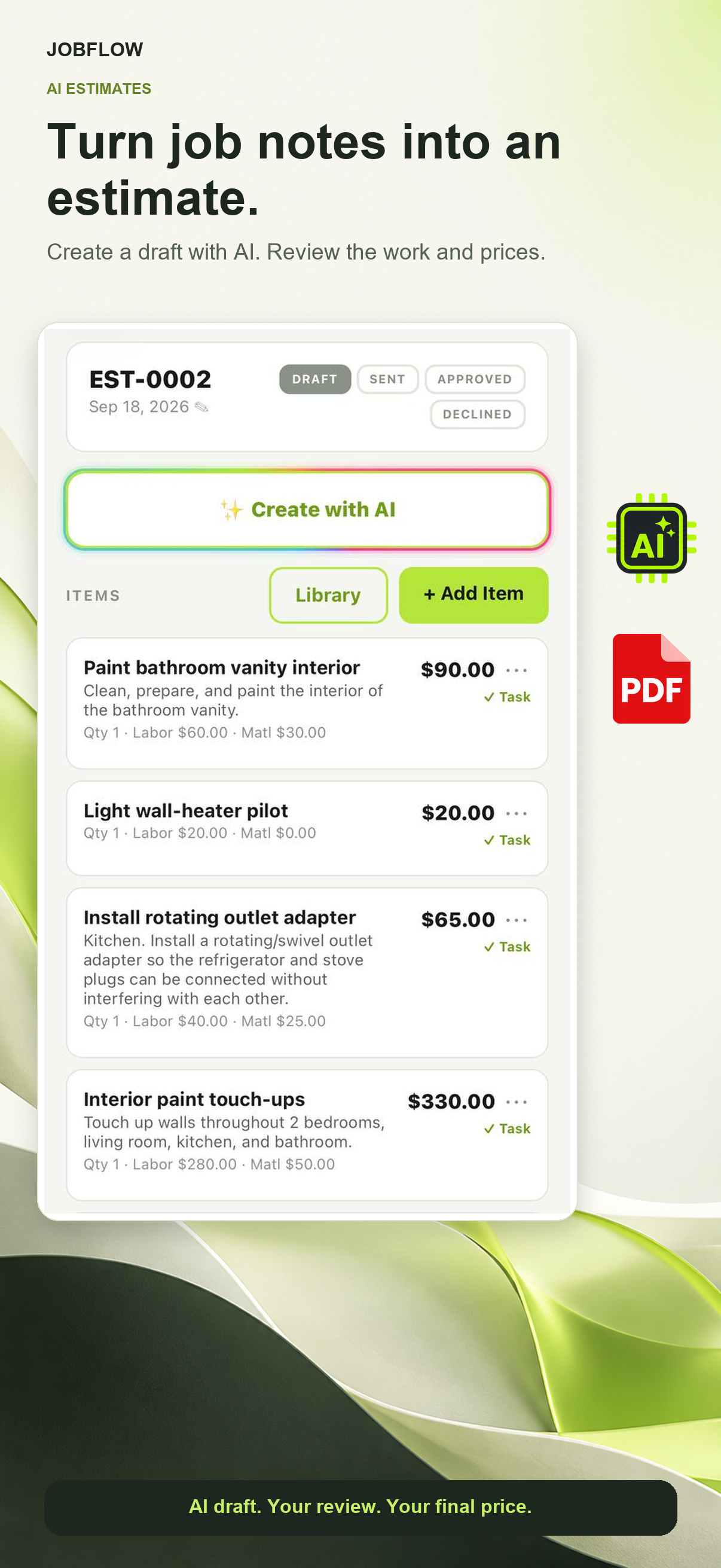
Draft work from a description, voice, photos or files, then review quantities and prices before saving. AI requires your permission and internet access.
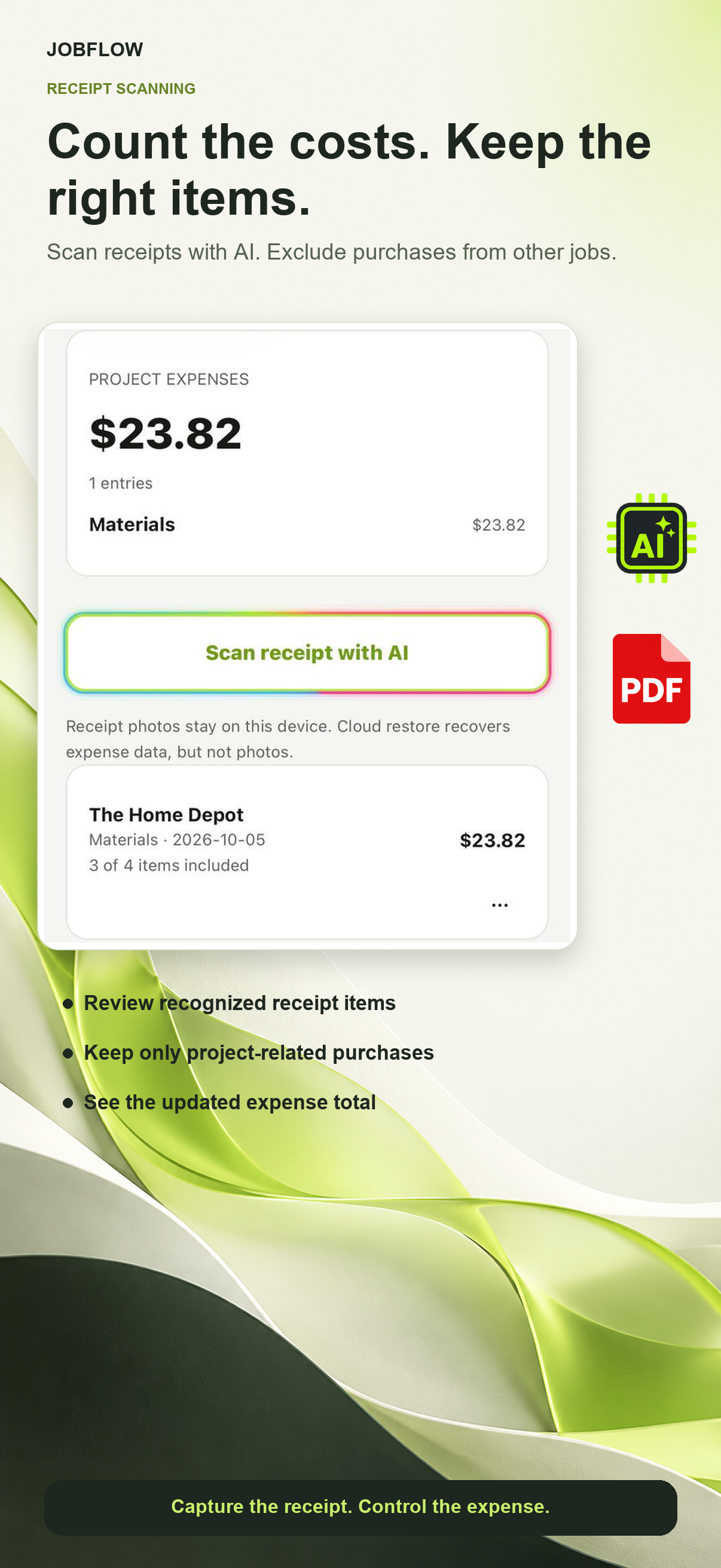
Review receipt lines and exclude unrelated purchases. Keep separate copies of important photos.
Separate purchases on a mixed receipt · Write a clear invoice follow-up · Record a completed job · Keep a materials return traceable
Price an extra while a job is underway
Match one payment to two invoices
Write a useful completion note for a small job
The free plan allows up to 3 projects. JobFlow Pro is an optional Apple subscription. AI usage limits apply. Stripe processing fees are separate.
Payment options include invoice links and Tap to Pay on iPhone for eligible devices, regions and onboarded Stripe accounts. Completing setup is required before taking an in-person payment.
Structured cloud recovery preserves project records and your company logo. Task and receipt photos are not included; keep separate copies of important images.
Artwork explains selected workflows using supplied app screens and illustrative graphics. It is not evidence of a completed live payment.